Merchants: Providing HSA/FSA Customer Support Solutions
Servicing Customer Requests & Issues
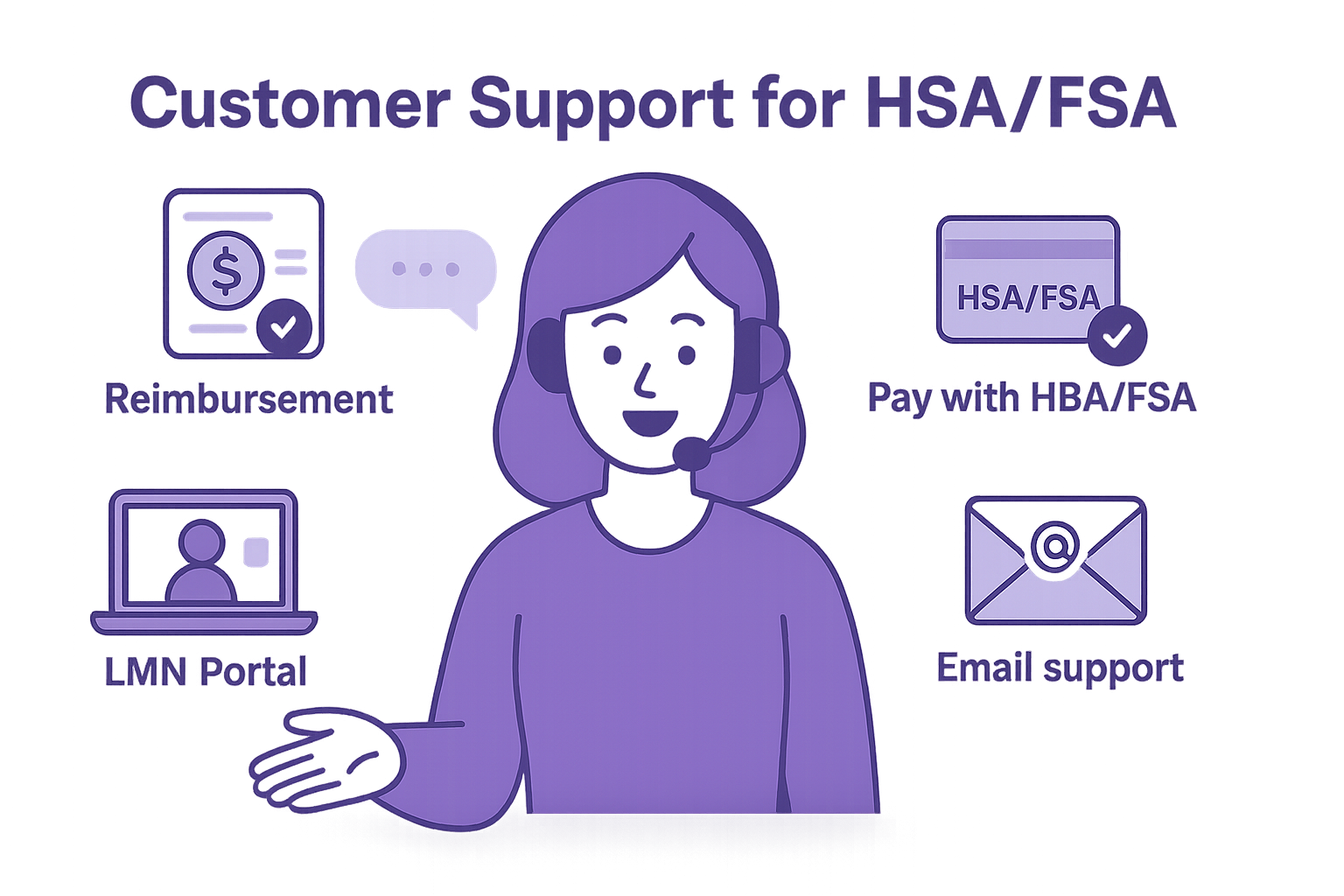
Use this routing guide and ready-to-send replies to direct customers to reimbursement steps, HSA/FSA payment basics, LMN access, or Medpaid support.
Where to Send Customers
Reimbursement questions
How “Pay with HSA/FSA” works
Same link (overview + steps): medpaid.com/pages/how-to-pay-with-hsa-fsa
Get a copy of LMN
Customer logs into portal.medpaid.com with their checkout email (use “Forgot password” if needed). For privacy (HIPAA), merchants can’t access LMNs.
Anything else
Contact Medpaid: support@medpaid.com
HIPAA reminder: LMNs contain protected health information and are accessible only to the customer via the secure portal.
Copy & Paste — Reimbursement (send this)
You can submit your purchase for HSA/FSA reimbursement. Please follow our step-by-step guide here: https://medpaid.com/pages/how-to-pay-with-hsa-fsa. You’ll complete a quick assessment (under a minute). If approved, your Letter of Medical Necessity (LMN) is emailed to you and stored in your Medpaid portal for your claim.
Copy & Paste — How “Pay with HSA/FSA” Works
Eligible items show “HSA | FSA Accepted.” At checkout choose “Pay with HSA/FSA,” complete a brief online assessment (under a minute), and—if approved—pay with your HSA/FSA card. Your LMN is emailed right after. For a walkthrough, see: https://medpaid.com/pages/how-to-pay-with-hsa-fsa
Copy & Paste — LMN Copy Request
To download your Letter of Medical Necessity (LMN), please log in to the Medpaid portal at https://portal.medpaid.com using the same email you used at checkout. If you haven’t set up your account yet, choose “Forgot password” to create or reset your password. For privacy reasons (HIPAA), we aren’t able to access LMNs on your behalf.
Copy & Paste — Retroactive Reimbursement
You can request reimbursement after purchase. To qualify that specific order, please complete your Medpaid assessment on the same calendar date as your purchase (e.g., if you bought on the 12th, complete the assessment on the 12th). This ensures your Letter of Medical Necessity (LMN) aligns to the purchase date. If you missed that date, you can complete the assessment with your next eligible purchase.

To find the reimbursement option again, log into your account and open your order history. Select the order and view the order confirmation page—the link to take the Medpaid assessment is often shown there. Once approved, you’ll receive your LMN by email and can submit your receipt + LMN to your HSA/FSA administrator.
Copy & Paste — Other Inquiries
For anything else, our team at Medpaid is happy to help. Please email support@medpaid.com and include your order number and the email you used at checkout.
Customer-Ready Scripts
Paste these into email, chat, or SMS. Clear, accurate, and aligned to both flows (LMN required).
Short Explainer
You can use pre-tax HSA/FSA dollars to save up to 40% with Medpaid. For eligible products, you’ll complete a quick online health assessment (under a minute) to receive a Letter of Medical Necessity (LMN). Decisions are typically made in seconds. Your LMN is emailed and always available at portal.medpaid.com. You can pay with an HSA/FSA card at checkout (Flow A) or buy with any card and submit your receipt + LMN to your HSA/FSA provider for reimbursement (Flow B).
Pay with HSA/FSA — What to Do (Flow A)
1) Add an eligible product to your cart (look for the HSA/FSA widget/badge).
2) At checkout, choose “Pay with HSA/FSA”. If any ineligible items are in your cart, you’ll be prompted to remove them.
3) Complete the quick assessment (under 1 minute). Decision is typically made in seconds.
4) If qualified, pay with your HSA/FSA card. Your payment runs through Medpaid’s HSA/FSA payment platform, which then automatically creates your order in the merchant’s store—so you’ll receive the usual order confirmation and updates from the store.
5) Right after payment, your LMN is emailed and also stored in your Medpaid portal (portal.medpaid.com).

Heads-up: because your payment is processed via Medpaid’s HSA/FSA platform, you might also receive an “abandoned cart” email from the store’s system—please ignore it; your HSA/FSA payment went through and your order is confirmed.
Reimbursement — What to Do (Flow B)
1) Add an eligible product to your cart (same as Flow A) and check out with any card.
2) On the order confirmation page, select the Reimbursement option to start the quick assessment (under 1 minute). Decisions are typically made in seconds.
3) If approved, your LMN is emailed to you. You can also download it anytime at portal.medpaid.com (username is the email used at checkout).
4) Submit your receipt + LMN to your HSA/FSA administrator for reimbursement according to your plan’s rules (claims are commonly accepted for up to 12 months from purchase).
Timing, Savings & Access
• Assessment: under 1 minute; determinations typically in seconds.
• LMN delivery: emailed immediately and available anytime at portal.medpaid.com (use the email from checkout; select “Forgot password” to create/reset your password if needed).
• Savings: pay with pre-tax dollars and save up to 40% (varies by tax situation and plan rules).
• Reimbursement window: many plans accept claims for up to 12 months from purchase—check your plan details.
Disclaimers & Required Language
For Merchant Sites & CS Teams
- LMN (Letter of Medical Necessity) is required for both flows to qualify for HSA/FSA payment or reimbursement.
- Assessments are reviewed by a licensed medical professional. Outcomes are at the clinician’s discretion; approvals are not guaranteed.
- Assessment typically takes < 1 minute; determinations are usually made in seconds.
- When approved, the LMN is delivered by email and available anytime at portal.medpaid.com.
- Using pre-tax HSA/FSA dollars can mean savings of up to 40%, depending on tax situation and plan rules.
- Plan eligibility, contribution rules, and claim windows (often up to 12 months) vary by administrator.
- Medpaid does not provide medical care, guarantee reimbursement, or override plan rules.
Copy & Paste — Site Disclaimer
HSA/FSA Eligibility & LMN Notice
To qualify purchases for HSA/FSA payment or reimbursement, a Letter of Medical Necessity (LMN) is required. You’ll complete a brief online assessment (under a minute). Each assessment is reviewed by a licensed medical professional, and outcomes are at the clinician’s discretion—approvals are not guaranteed. When approved, your LMN is emailed and available anytime at portal.medpaid.com.

Savings with pre-tax HSA/FSA dollars can be up to 40%, depending on your tax situation and plan rules. Plan eligibility and claim windows (commonly up to 12 months) vary by administrator. Medpaid does not provide medical care, guarantee approvals or reimbursements, or override plan rules.
Copy & Paste — Micro Footnote
* Pre-tax savings up to 40% vary by individual tax situation and plan rules. LMN required; assessment reviewed by a licensed medical professional at their discretion—approval not guaranteed. See your HSA/FSA administrator for eligibility and claim timelines.
Copy & Paste — Support Reply
Thanks for checking on HSA/FSA eligibility! For qualifying purchases, you’ll complete a quick online assessment (under a minute). A licensed medical professional reviews each assessment, and decisions are at their discretion—so approvals aren’t guaranteed. If approved, you’ll receive your LMN by email and can also access it anytime at portal.medpaid.com (use the email from checkout; select “Forgot password” if needed). Paying or reimbursing with pre-tax HSA/FSA dollars can save up to 40%, depending on your plan and tax situation.